A Kanban board with the meeting built in
On the board you see what is waiting, what is in progress and what is done. In the meeting you discuss what needs attention and agree who does what. The board does not change how you work. What you do with it does. Choose a way of working and your board is ready.
What you get
In your work
One board for the whole team: what still needs doing, what is in progress, what is done. Who owns what is right there.
The meeting
A fixed meeting schedule, an agenda that is ready, decisions and agreed actions recorded on the relevant card, and a meeting report by email.
Insight
Overdue tasks, work showing no recent progress, unassigned items and anything marked as stuck are listed for the meeting automatically.
What is kanban?
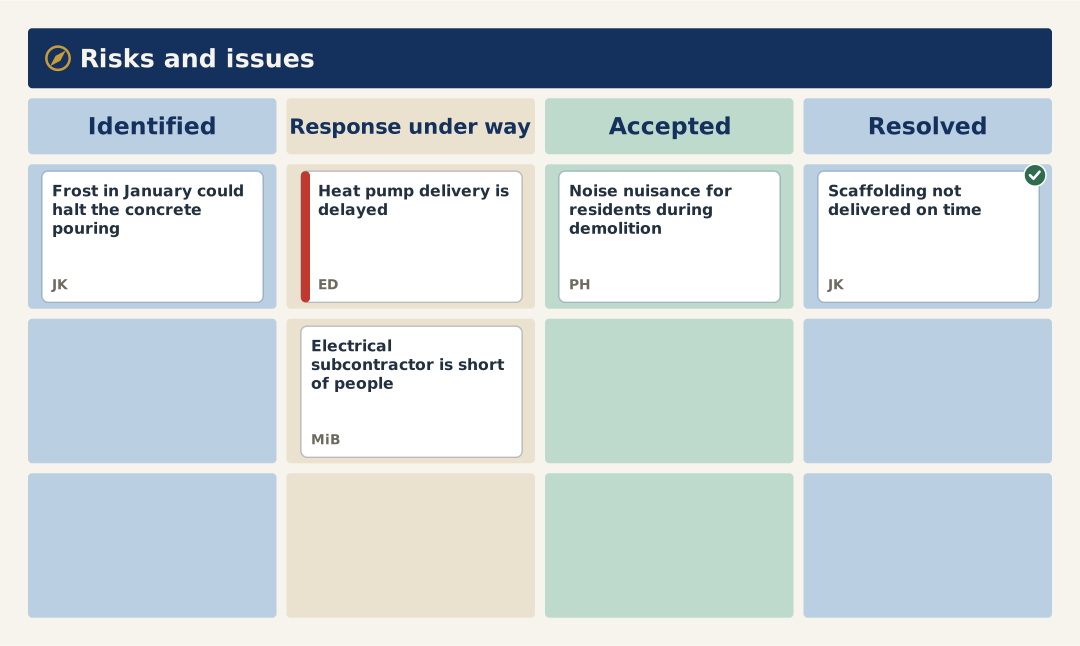
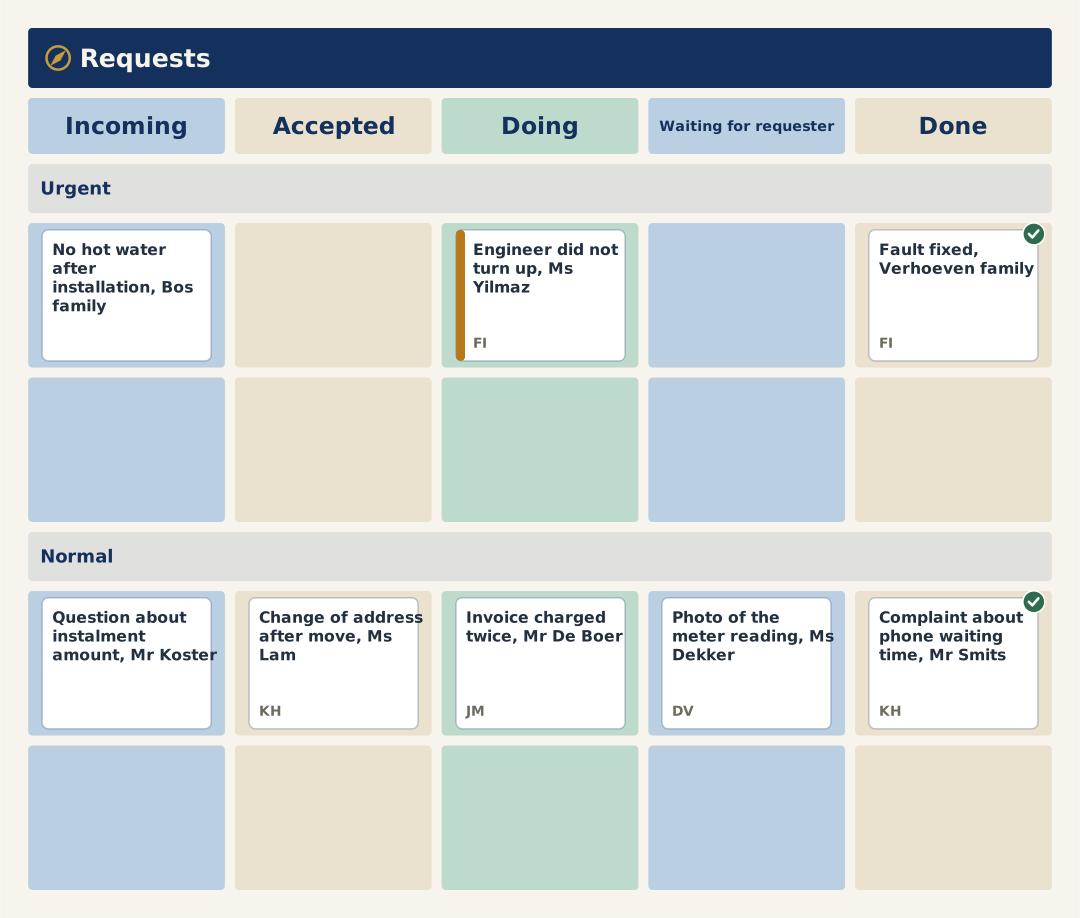
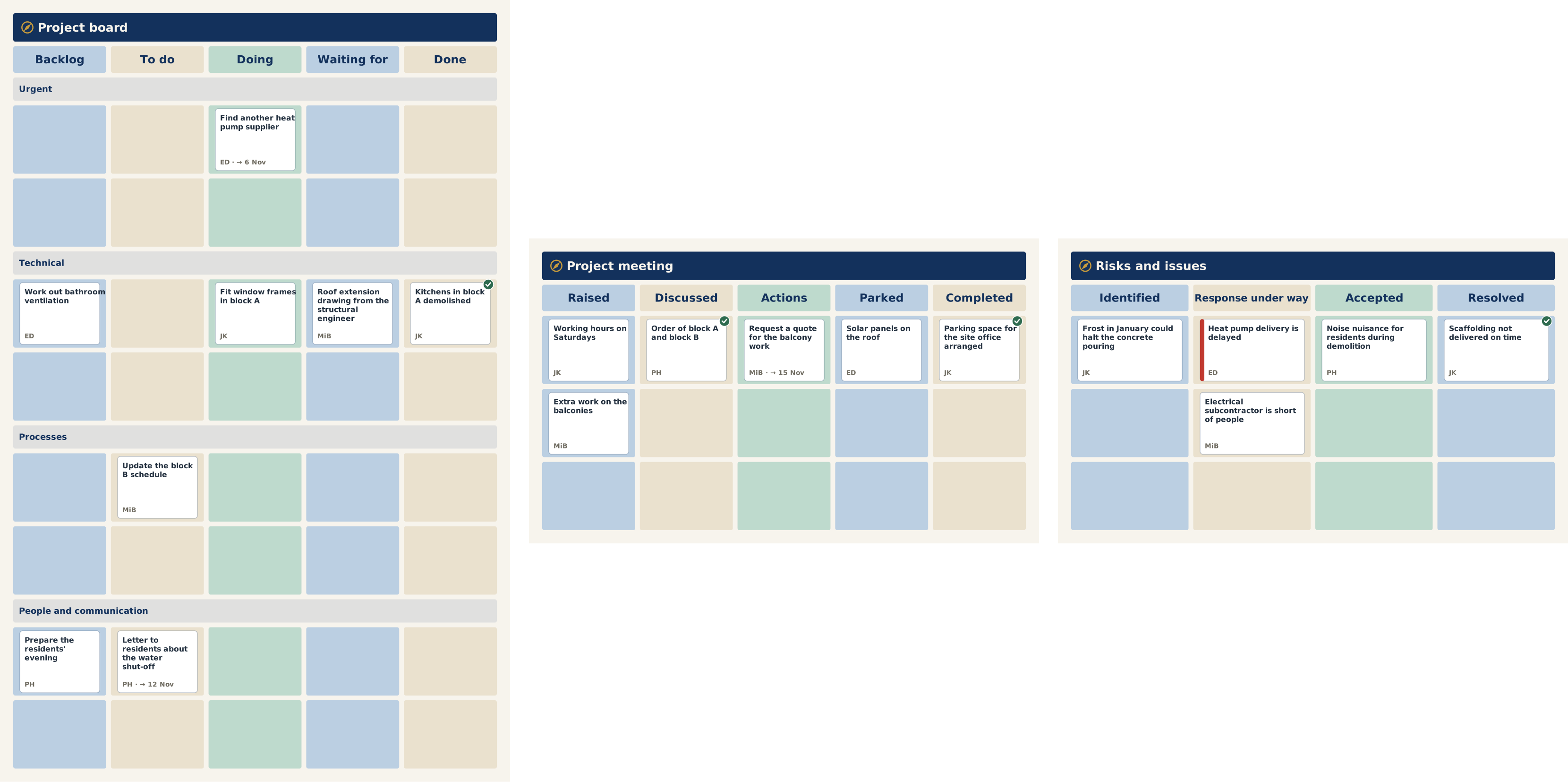
A Kanban board is a board with columns on which a team makes its work visible. Each card is one piece of work. The card moves from left to right: from what is waiting, through what is in progress, to what is done. That way everyone sees at a glance where the work stands, who is working on what and what is being left.
What teams use it for
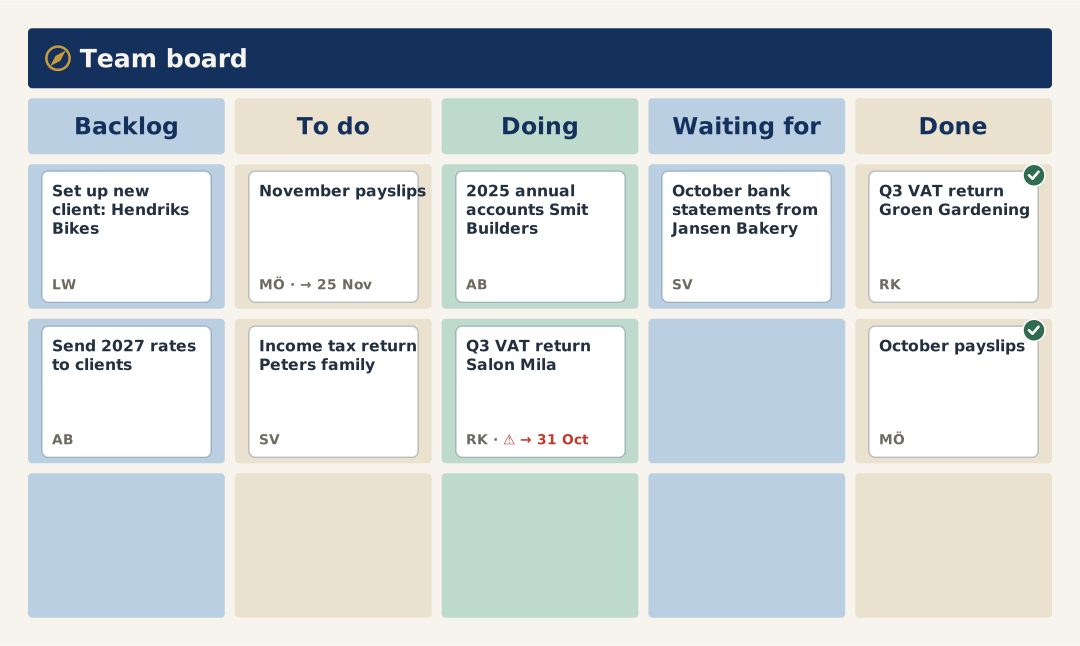
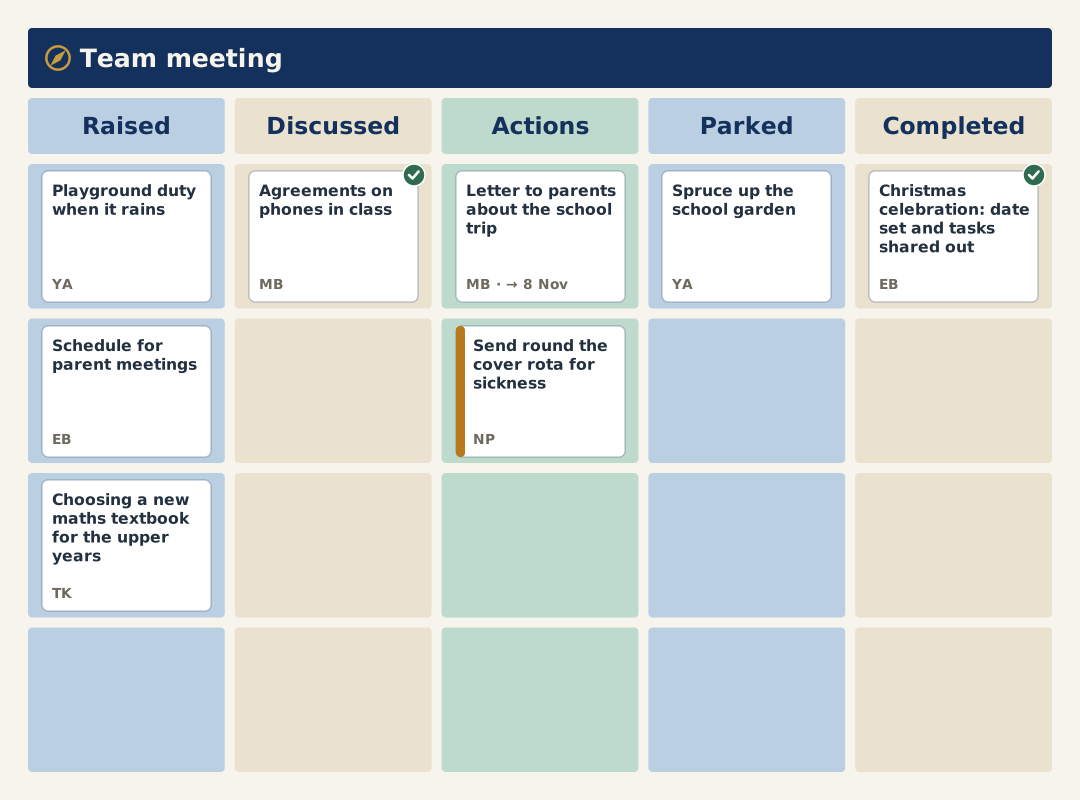
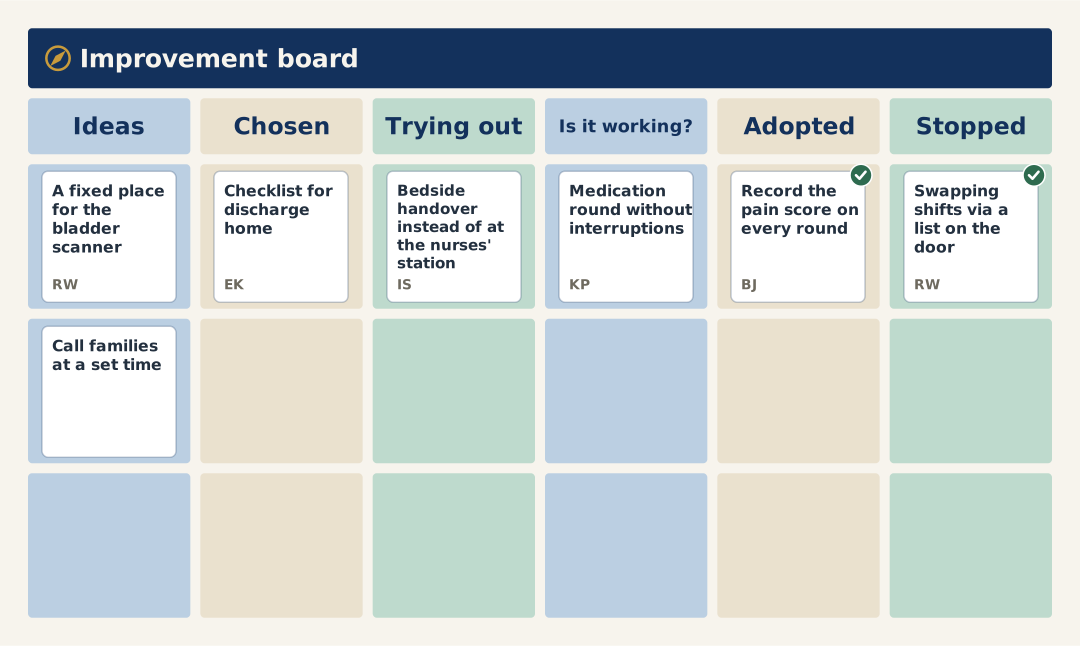
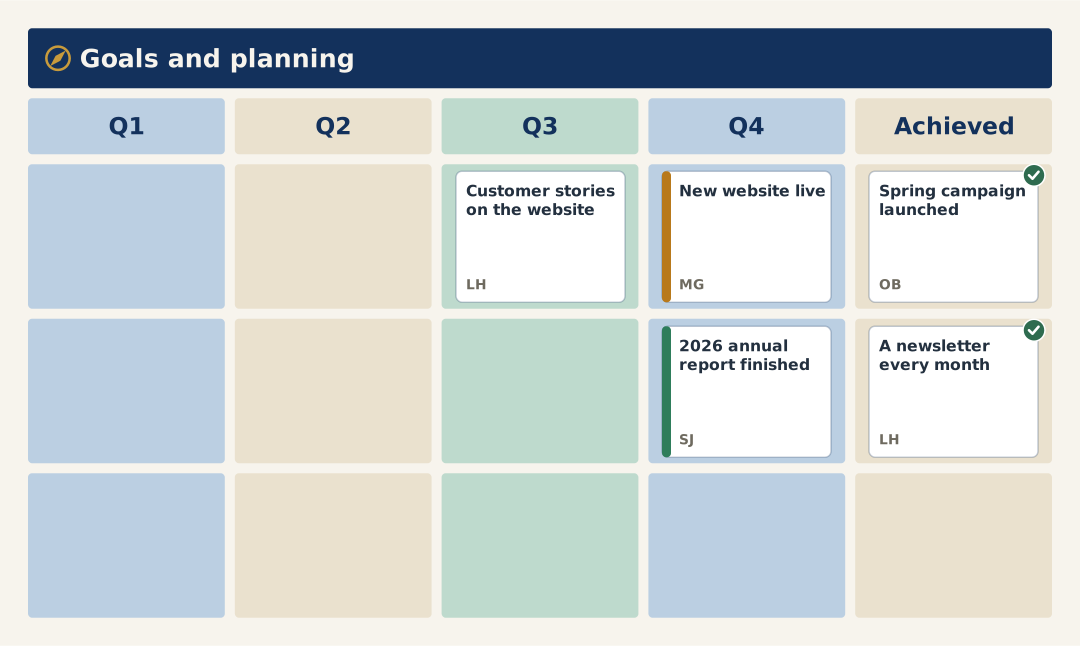
What it costs
You pay per board, not per person, and viewing costs nothing. Prices exclude VAT. You pay online and can start right away.
How to get started
Choose a way of working or a combination of boards. The columns and the agenda of the meeting are then ready.
Choose the number of boards and per month or per year, and pay online.
You receive an email with the link to log in. There you create your board with the way of working you chose, and invite your team.
Questions about buying and using
What do I get for € 50 per month?
One Kanban board for your team, with the meeting built in: a fixed meeting schedule, an agenda that is ready, decisions and agreed actions recorded on the relevant card, and a meeting report by email. Overdue tasks, work showing no recent progress, unassigned items and anything marked as stuck are listed for the meeting automatically. The whole team works on it, and viewing costs nothing. Prices exclude VAT.
How many people can work with one board?
As many as you like. You pay per board, not per person.
What happens after I pay?
You receive an email with the link to log in. Then you create your board with the way of working you chose, and invite your team.
Can I choose a different way of working later?
Yes. As long as your board is empty, you choose another way of working in the board settings. If there are cards on it already, you create a new board with that way of working.
Can I take more or fewer boards later?
More boards is possible straight away. Fewer boards takes effect from the next term. Nothing is settled in between.
How do I cancel?
If you pay per month, Kanban can be cancelled monthly. Your board works until the end of the term you paid for. Everything is in the terms.
Do I get money back if I paid for a year and stop earlier?
In principle not. For an exceptional reason an exception can be made. See the terms.
What happens to our board when we stop?
The board becomes read-only and you can export it. After 90 days it is deleted.
Is there a data processing agreement?
Yes, the same as for the Obeya software. Read the data processing agreement.
Do I get an invoice?
Yes, by email. Paying by invoice is not possible.
Does it work on a phone?
Yes. Midflyt works in the browser, on a phone too.
Where is our data stored?
All data is held in the Netherlands, at Previder, and does not leave the European Union. Your organisation decides who sees what. More on the page Privacy and security and in the data processing agreement.
Why pay for a board when there are boards that cost nothing?
Because the meeting is built into the board: an agenda that is ready, decisions and actions on the card, a meeting report by email and signals for what needs attention. On a separate board you see what is waiting. What you agree, you then keep track of somewhere else.